same, but it only works 1/3 of the time for me
1 Like
Same thing happened yesterday. I was playing in a cs, while I was holding the redstone comparator (cs settings) the game just freezed. all the HUD (hotbar, controls etc.) disappeared. The Pause game menu was not working, neither ne chat and emotes tab.
I had to restart the game. After I restarted the game was fine.
Android 9 Minecraft 1.21.51
1 Like
Okay so I am a mobile player, and I’ve recently bought the jet pack back bling. Whenever I try to access it, I end up freezing in place and not being able to move. Or in the case of the video, I was able to access it, but when I try again, the freezing happens. Even when I restart the game actually, and I could probably show a vid on that too, but here’s an unlisted vid of it happening real time. https://youtu.be/pKKfUA0TiH4?si=JlffqUe_8J0yu8WM
1 Like
I’ve received this issue multiple times, specifically in mm. It goes away when you are directed to another server and usually happens when I open the UI voting menu quickly.
Once it happened in the hub, usually relogging fixes all issues.
1 Like
Please fix this bug! I lost so many games because of this to the point where I just sit in the hub all day. I’m too afraid it will happen to me again!
With all seriousness, this is a major issue that still needs to be addressed after all these months (and almost years).
3 Likes
This happens to me to i have had it where if you die and while youre dead the game gets won you wont have any controls and your hotbar will be invisible version/device switch 1.21.90
This is annoying because if I’m gifting I have to relog and then my friends go offline
1 Like
It happens to me the most on hive and i play on different servers
I play on pc with a controller. For some reason the controller back button does not fix it but the escape key does. So next time any computer users face this issue try hitting escape.
1 Like
Capture the flag
In Korea I’m playing.
The empty scene bug
I wanted to buy some items but after I click item shop, buying speed berry. But when I click speed berry, All game directions and moving buttons were dissappeared and I can nothing to do. Thus unfortunately I had to go out the game.
I’m playing to Xbox, mobile phone. I’m using Minecraft that is version 1.21.72
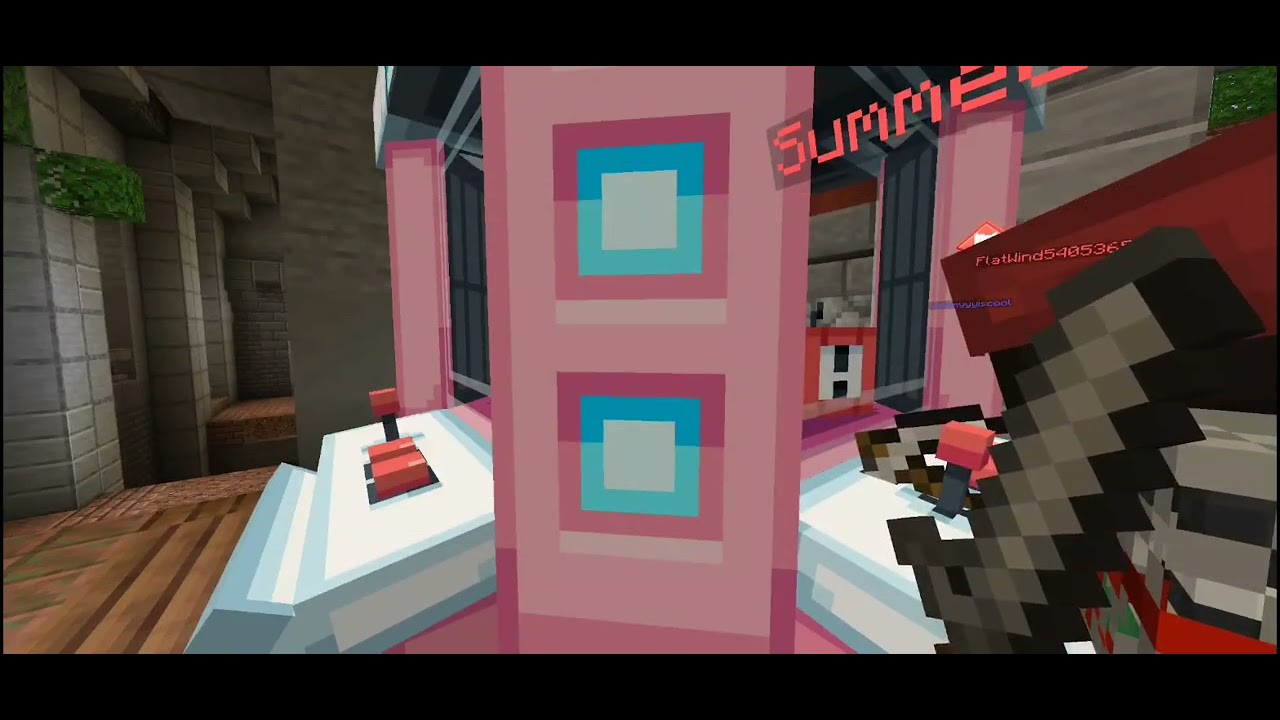
Bug video)
I have said this several times!! You just press the back button:
Mobile: swipe up and press triangle button
Switch: press b
Xbox: press b?
Playstation: press x???
Pc: press esc
Not bothering with older console editions as they no longer work and im not sure aboit xbox and ps as i dont own them
2 Likes
I’ve never had it happen to be on anything other than Hive. Usually only while playing bedwars. You can’t get out of it on certain devices without going off and reloading, so it just ruins games and makes me not want to bother. I’m on iOS and once it happens there’s no way to fix it. They’ve already said above that it’s still possible that they can do something on their end to help with it so any more information is still useful and this thread could still be helpful in the future considering this bug is still an ongoing issue.
2 Likes
The issue on Apple devices (iPhone/iPad) is that there is no triangle button, leaving you with no option to resolve this problem without restarting the game.
6 Likes
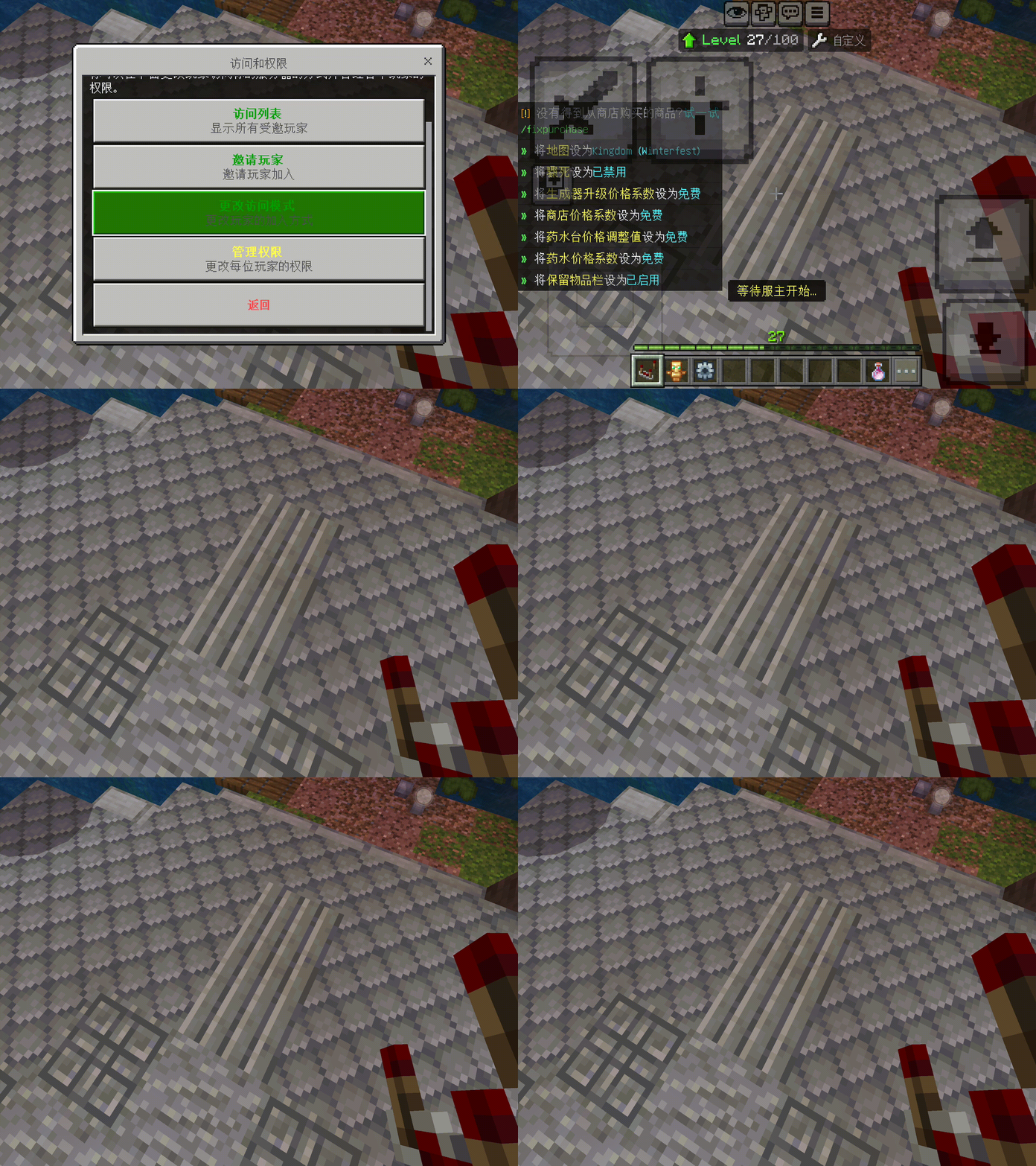
I’m a Taiwanese gamer and I’ve also encountered this problem. Every time I open the menu, it gets stuck and I can’t do anything except close the game.
1 Like
Try opening the menu slower. Usually it happens to me if I open h e menu as soon as J enter the game.
Sadly for PlayStation you have to restart the game sometimes from my experience.
1 Like
Unfortunately, no matter how slowly I click, I will enter this state. This is probabilistic. iOS players have no way to improve it except restarting the game, which is very annoying.
Recently, I’ve been getting softlocked in many menus. Now, I don’t have any screenshots, but every menu that I’ve either opened via command or item has a chance of softlocking me. Whether or not it’s when I open it or when I click on a button that performs an action (excluding buttons that open up even more menus), I’ve had to go to my iPad home menu, wait for a bit, go back in Minecraft, wait for the loading screen, and join back the Hive. I hope this gets checked soon, because I’ve actually sometimes gotten stuck mid-game. In those cases, I either wait it out until I get sent to another sub-server (like game overview place aka waiting lobby) or I just do what I said above. I’ve tried finding anti-softlock buttons that quit all GUI menus, but there wasn’t even a single one. I’ve also actually gotten stuck in ender chests UI’s, and I can still move around just fine, but every single chest menu (including inventory) has been stuck and unopenable. This means in that case, I can still play fine, but I need a friend to help me buy stuff, give it to me, and check ender chests. I also can’t reach my inventory, so anything that’s not in my hotbar has to be taken by killing me. There’s just a lot of weird stuff about the UI’s recently, and I hope it gets checked.
btw can anyone tell me where i can put stuff dat isnt a suggestion but i also wanna say (like i got 35s time on cave parkour in bedwars hub) (also plz edit dis out if its answered)
I play CTF on iOS North America and almost every game I get frozen when using the vending machine and then I get timed out and kicked out of the game. Sometimes I get frozen when trying to use the command prompt too during game play (I.e. /p or /f and instead of opening it freezes the screen). Basically I click on the vending machine and instead of opening it, the screen freezes and there is nothing I can press or do to get unfrozen. But I can still see other players around me moving. If someone kills me then it resets me and it’s fine, otherwise I’m stuck frozen until it times out due to inactivity and then it kicks me to the hub and I get kicked out of the game. It used to happen only every so often, but now it is happening almost every single game. It happens to my friends I play with too. Am I doing something wrong?
How do I fix it?
1 Like
If your device has the triangle button, then pressing that fixes it. That works for me. Unfortunately, if that doesn’t work, you either have to restart minecraft or wait for something to happen that will reset the screen, such as the game ending, the party leader queueing for a new game, or like you said, being killed.
1 Like