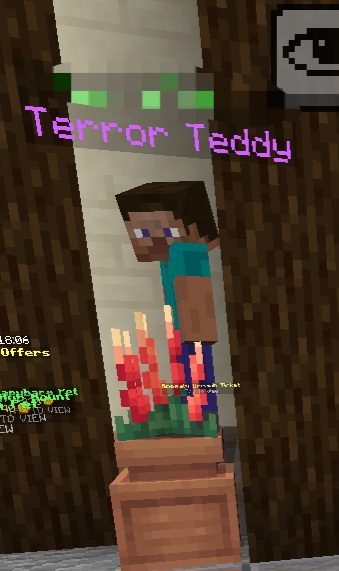
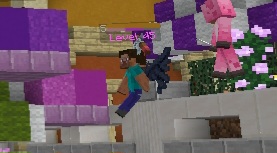
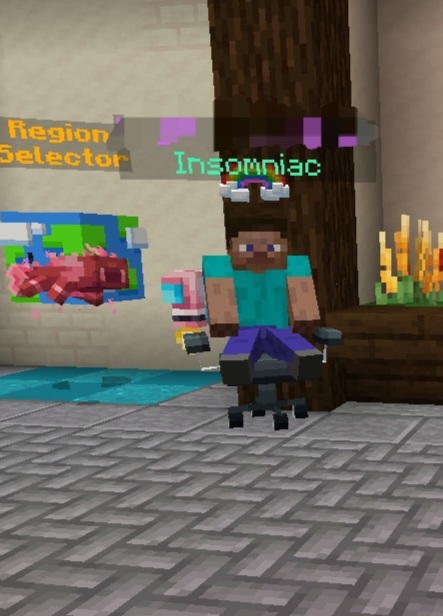
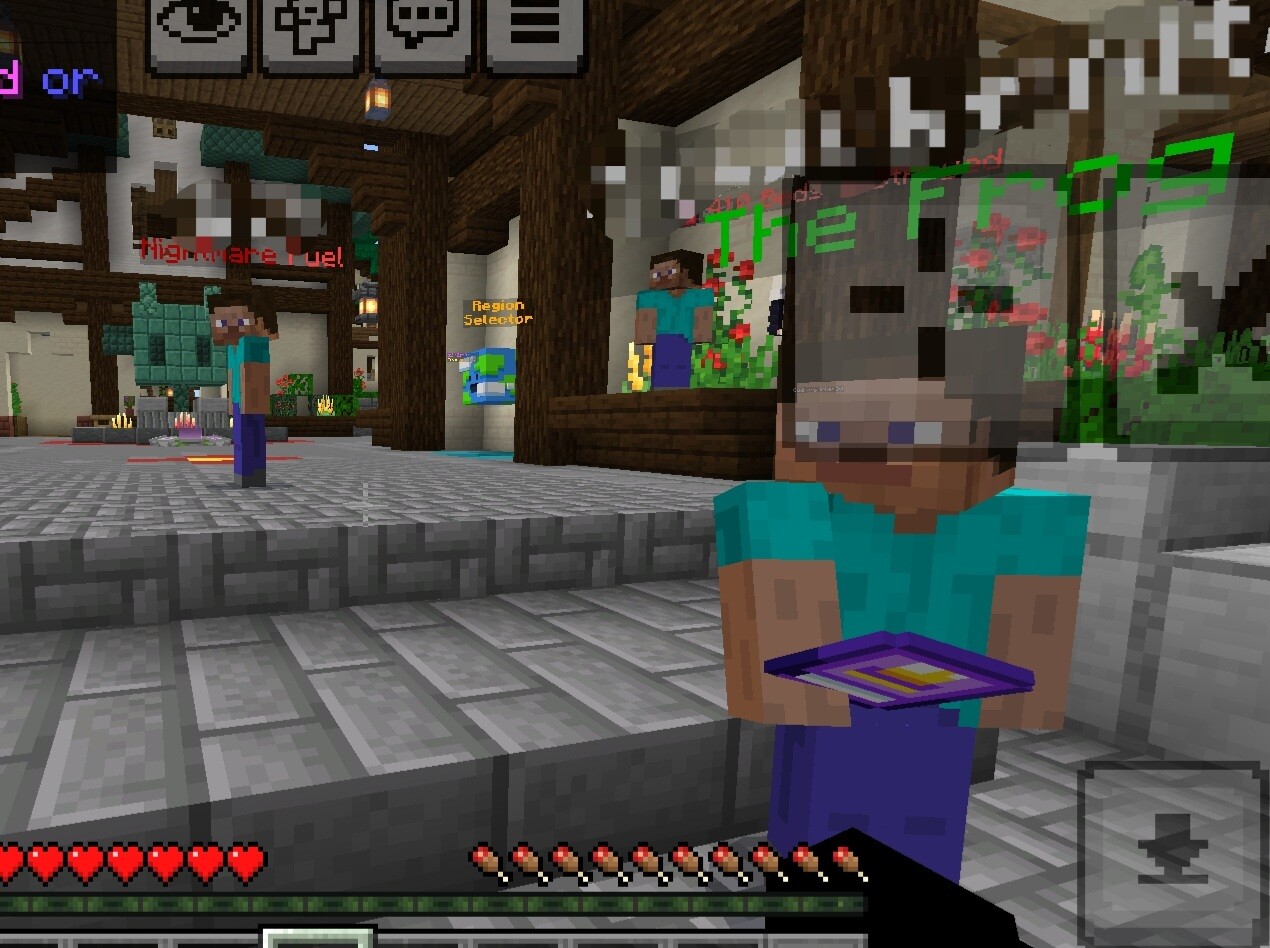
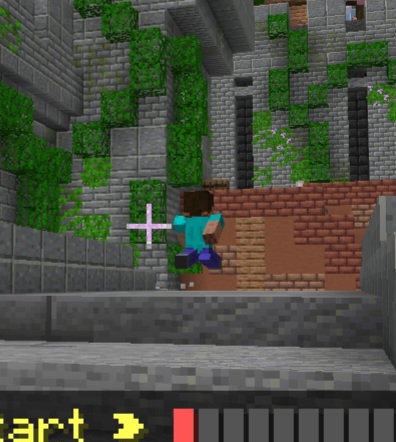
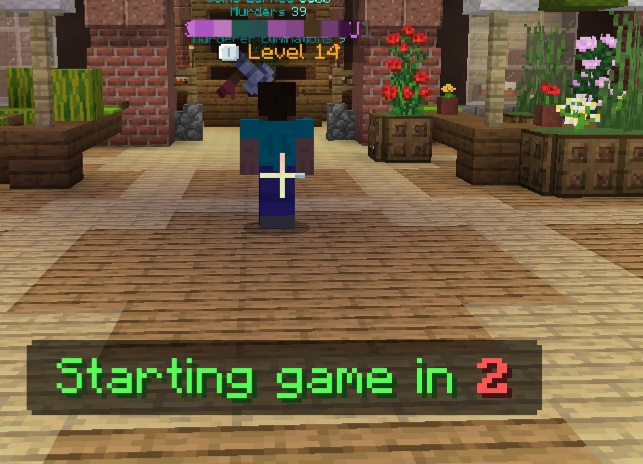
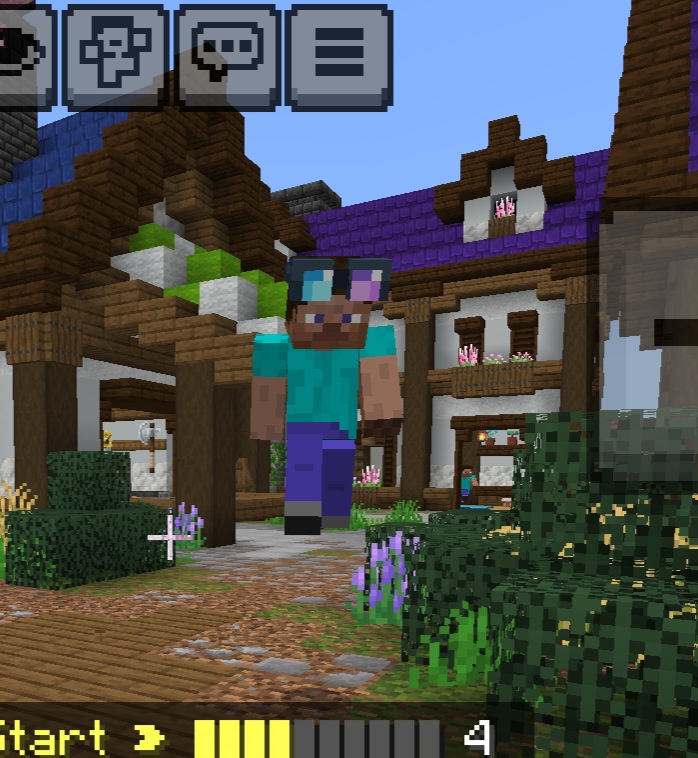
Every time I join The Hive server, all players appear as the default Steve skin, regardless of the region selected. This issue persists across all game modes. Occasionally, a small number of player skins will load correctly, and in rare cases, a few skins may load during gameplay. Notably, all of my friends’ skins consistently load without issue, and most Hive Ultimate players’ skins also appear correctly.
The problem is especially disruptive in games such as Murder Mystery, where identifying the murderer relies heavily on visual distinctions between player skins. Because most players appear identical, the game becomes confusing and unenjoyableOn my previous device, which was the same model used by my brother, the issue began unexpectedly after approximately one year of normal gameplay. On my current phone, the same problem started about a week ago.This issue does not appear to be related to internet connectivity. My brother plays on The Hive server using the same Wi-Fi network and the same phone model and does not experience any skin-loading issues. Additionally, switching to a different Wi-Fi network did not resolve the problem.Due to this persistent issue, my overall enjoyment of the game has significantly decreased. The lack of visible player skins removes an important gameplay element, particularly in competitive and role-based modes. As a result, I no longer enjoy playing on The Hive server.Despite extensive troubleshooting across multiple devices and networks, the issue remains unresolved. Given that the problem affects only my account/devices and not others using identical hardware and internet connections, this may indicate an account-specific or server-side issue related to skin loading.The following actions have been taken to resolve the issue, none of which were successful:
Verified that Trusted Skins Only is turned off
Deleted and reinstalled Minecraft
Confirmed that the game is fully updated
Ensured that Minecraft Beta is not enabled
Changed my personal player skin
Logged out of and back into my Microsoft/Xbox account
Cleared the application cache
Switched Wi-Fi networks.
Note: I blurred the players name for privacy.